
AI Invoice Generators for Australian Tradies: The Honest 2026 Guide
Every few months a new "AI invoice generator" turns up promising to do your billing in seconds. Some are genuinely useful. Most were built for American freelancers and have never heard of GST, an ABN, or a call-out fee. And none will tell you the uncomfortable bit: the invoice is the easy part. Getting the job details right, before the invoice exists, is where tradies actually lose money.
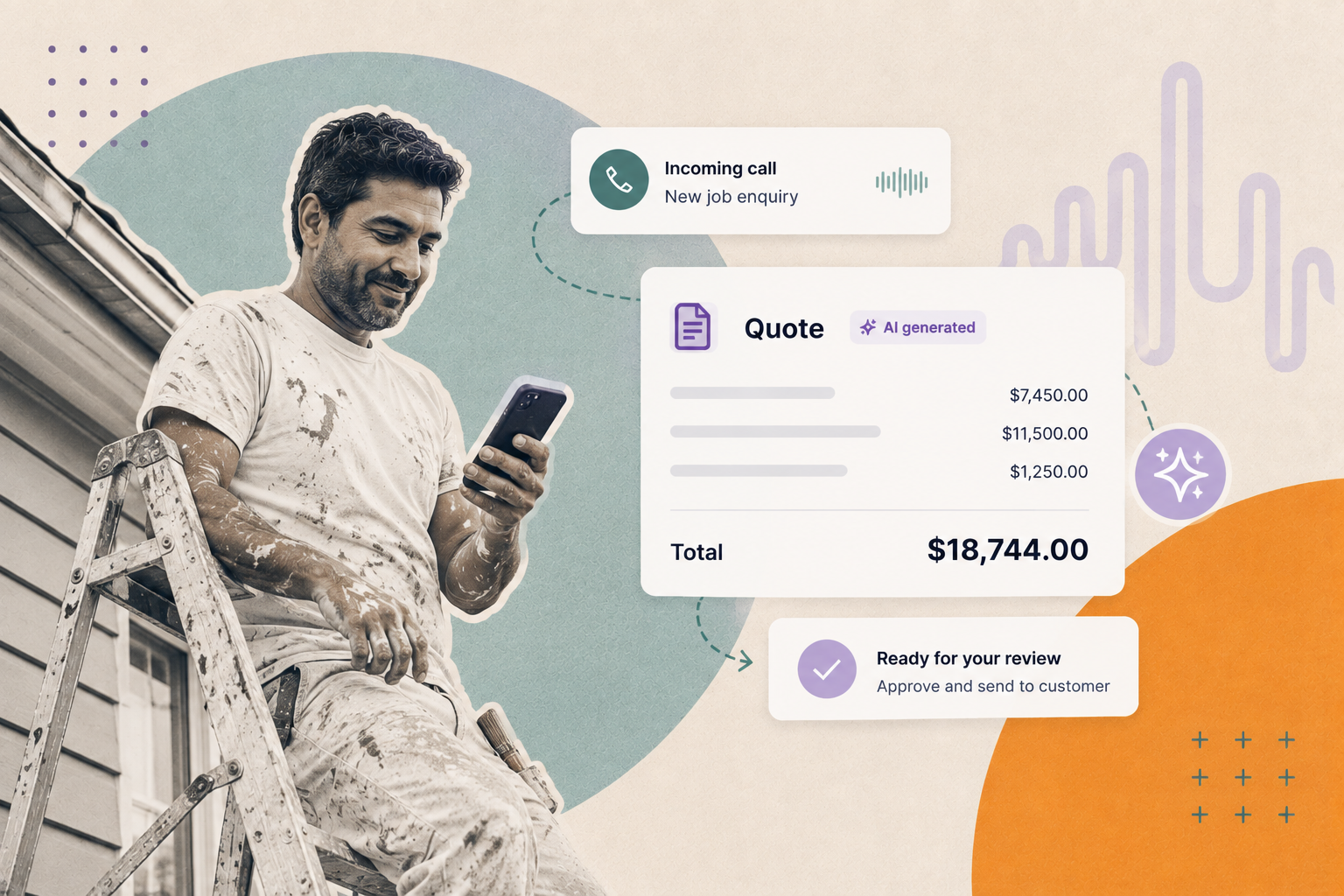
This guide cuts through it: what an AI invoice generator really does, what it can't do, the ATO rules the generic tools quietly ignore, and where the invoice genuinely comes from in a working trades business. No hype. Just what works.
What is an AI invoice generator?
An AI invoice generator is a tool that turns a plain-language description of a job into a formatted invoice — line items, tax, totals and payment terms — without you filling in a template by hand. You type or dictate something like "supplied and installed a hot water system, four hours labour, $1,850 plus GST," and it drafts the document. The better ones handle GST calculations and export a tidy PDF.
That's the whole trick, and it's a real time-saver. But "drafts a document" is doing a lot of work in that sentence. An AI generator writes the invoice. It doesn't decide what should be on it, chase the payment, or keep you compliant with the ATO. That's the gap this guide is about.
What AI can and can't do with your invoicing
What AI is genuinely good at: drafting line items from a rough description, doing the GST maths, tidying up wording so it reads professionally, and producing variations (a deposit invoice, a progress claim, a final invoice) without rebuilding the layout each time. If you hate formatting and you're quick to describe a job, AI removes a real chore.
What the AI on its own does not do: a chat-style generator drafts a document and stops there. It doesn't send anything, doesn't know whether you've been paid, and won't chase the client when it's overdue, and late payment, not slow typing, is what actually strangles trades cash flow. It doesn't know your client's correct billing details unless you give them to it. And critically, a generic AI tool does not know Australian tax law. It will happily produce a "compliant" invoice missing fields the ATO requires, because it was trained on invoices from somewhere with no GST.
That's a limitation of the model, not of AI software generally. The difference between a generator and a platform is the plumbing around the model: the integrations, the workflow rules and the record-keeping that turn a drafted document into something that actually goes out, gets tracked, and lands in your accounting system. A standalone generator has none of that. That's the distinction worth holding onto for the rest of this guide.
The bit generic AI tools get wrong: Australian tax-invoice rules
If you're registered for GST, a compliant tax invoice isn't optional. It's what lets your customer claim their GST credit, and it's what keeps you on the right side of the ATO.
The rules worth knowing
- When you must issue a tax invoice. If you're GST-registered and the taxable sale is $82.50 (including GST) or more, you must give the customer a tax invoice within 28 days of them asking for one.
- What a valid tax invoice must show. For sales under $1,000: the words "Tax invoice", your identity (business name), your ABN, the date issued, a description of what was sold, the GST amount (or a statement that the total price includes GST), and the total. For sales of $1,000 or more, you must also show the buyer's identity or their ABN.
- No ABN? Expect to lose nearly half. If you supply goods or services to another business and don't quote an ABN on your invoice, that business is generally required to withhold 47% of the payment and send it to the ATO. Put your ABN on every invoice; this one catches sole traders out constantly.
- Do you even need to charge GST? You must register for GST once your annual turnover hits $75,000 ($150,000 for not-for-profits). Under that, registration is optional, and if you're not registered you don't charge GST and you issue a regular invoice, not a tax invoice. Don't let an AI tool bolt "GST" onto your invoices if you're not registered.
- Keep your records for five years. Invoices are tax records; the ATO expects you to hold onto them for five years.
- E-invoicing is coming. Australia is progressively rolling out Peppol e-invoicing, a standardised format that sends invoices directly between accounting systems rather than as PDFs over email.
None of the above is tax advice — it's general information, and thresholds change. Check ato.gov.au or your accountant for your situation.
Trade-specific invoicing the templates ignore
Beyond tax, trades invoices have quirks freelancer-focused tools don't model well:
- Labour and materials split. Clients (and insurers) often want these itemised separately, not rolled into one line.
- Call-out and after-hours rates. A 2am burst pipe isn't billed like a Tuesday-morning quote. Your invoice needs to reflect that cleanly, without an argument.
- Progress claims and deposits. Bigger jobs get billed in stages. Your first "invoice" is often a deposit request.
- Disposal and sundries. Tip fees, parking, consumables — small lines that add up and get forgotten.
An AI generator can produce these once you tell it to. It won't know to include them on its own. Which brings us to the real problem.
Where the invoice actually comes from
An invoice is only as accurate as the job information behind it. In a trades business, that information is captured on the phone, usually while you're up a ladder, under a house, or driving between sites.
The real sequence is: a call comes in, the job gets qualified and booked, the work gets done, the invoice gets raised, the payment (hopefully) lands. The invoice sits near the end of that chain. If the details captured at the start are vague — wrong address, no PO number, "the usual" instead of a scope — no AI generator can rescue the invoice at the other end. Rubbish in, rubbish out, disputed invoice, delayed payment.
That's why the highest-leverage fix usually isn't a fancier invoice tool. It's making sure every call is answered and every job is captured properly in the first place, so the invoice practically writes itself from clean data, in whatever system you already use.
This is the part a chat window can't do, and it's where Chime sits. Chime Reception answers every call, 24/7, qualifies the job, captures the details, and books it straight into the software you already run, so the paperwork that follows is built on accurate information instead of a half-remembered voicemail.
Because Chime is a platform rather than a drafting tool, the workflow doesn't stop at "here's a draft". Quotes captured on a call can be turned into a document and sent to the customer, and job and quote records sync through to Xero, so reconciliation at BAS time isn't a re-typing exercise. The AI handles the conversation; the surrounding automation handles what happens next.
The tools where invoicing actually lives
For most Australian trades businesses, the invoice is raised inside your field service management (FSM) or accounting software, not a standalone AI toy:
- ServiceM8 — hugely popular with AU sole traders and small teams; job management through to invoicing, and it now has its own AI features for drafting invoice and quote descriptions. Chime integrates with ServiceM8, so booked jobs land where you invoice from.
- Simpro, AroFlo, Fergus, Tradify — job-to-invoice platforms aimed at everyone from solo operators to larger commercial outfits. Invoicing is native; the differences are in scheduling, asset tracking and project depth.
- Xero and QuickBooks — the accounting layer underneath. Many tradies run an FSM tool for jobs and push invoices into Xero or QuickBooks for the books and BAS. Chime syncs to Xero directly, so what happens on the phone flows through to the accounts without a second round of data entry.
Invoicing is a feature of the system that already holds your jobs and customers. A separate AI invoice generator that doesn't talk to that system just creates a second place your data lives, and a reconciliation headache at BAS time. Connected AI, the kind that writes into your job and accounting software, is a different proposition to a chat window that hands you a PDF.
How to choose, by the size of your operation
Sole trader, just starting out
A free AU invoice generator (one that actually knows about GST and ABNs) plus a spreadsheet is fine. Use AI to speed up the wording. Watch the $75k threshold — the day you cross it, your invoicing has to change.
Small team, phone running hot
The danger zone: too busy to answer every call, too small for a dedicated office. An FSM tool for invoicing plus a way to make sure no call goes to voicemail is the combination that protects cash flow. Missed calls are missed invoices.
Growing or multi-location
You need every job captured consistently across sites, feeding one invoicing system, with nothing lost between the phone and the books. At this size the front-office layer becomes the thing that keeps the whole machine honest.
The honest takeaway
An AI invoice generator is a decent drafting tool and a poor business system. Use one to kill the formatting grind, but issue the invoice from the software that holds your jobs, keep it ATO-compliant, and above all, protect the start of the chain. The fastest way to get paid faster isn't a smarter invoice. It's a job captured properly the moment the phone rang.
Stop losing jobs to voicemail. Chime answers every call, qualifies the work and books it into your system, so your invoicing starts with clean data, not guesswork.
Frequently asked questions
What is a tax invoice in Australia?
A tax invoice is a document a GST-registered business issues for a taxable sale, which lets the buyer claim a GST credit. It must include the words "tax invoice", the seller’s identity and ABN, the date, a description of the sale, the GST amount (or a note that the total includes GST), and the total. Sales of $1,000 or more must also show the buyer’s identity or ABN.
Can AI create a GST-compliant invoice?
It can, but only if the tool understands Australian rules and you feed it the right details. Many generic AI invoice generators are built for markets without GST and will omit required fields like your ABN or the GST line. Always check an AI-drafted invoice against the ATO’s tax-invoice requirements before you send it.
Do I need an ABN on every invoice?
Yes. If you supply another business and don’t quote an ABN, that business generally has to withhold 47% of the payment and remit it to the ATO, so a missing ABN can cost you nearly half your money until it’s sorted.
Is there a free AI invoice generator for Australian tradies?
There are several free invoice generators aimed at the Australian market that handle GST and ABN fields, and some now offer AI-assisted line items. They’re fine for drafting. Just remember a free generator only creates the document; it won’t chase payment, keep your records, or capture the job details that make the invoice accurate in the first place.
Do I have to charge GST?
Only if you’re registered for GST, which is compulsory once your annual turnover reaches $75,000. Below that it’s optional. If you’re not registered, you don’t add GST and you issue a standard invoice rather than a tax invoice.
Does Chime generate invoices?
Chime isn’t a standalone invoice generator. It’s the AI front office that answers your calls, qualifies each job, books it into the software you already use, and can turn a quote captured on a call into a document that goes out to the customer. Job and quote records sync through to Xero, so the accounting side stays reconciled instead of being re-typed. The invoice itself is still raised in your FSM or accounting tool, built on the accurate details Chime captured up front.
Does Chime integrate with Xero?
Yes. Job and quote records in Chime sync directly to Xero, so what gets captured on the phone flows through to your accounts without double entry, which makes reconciliation and BAS time considerably less painful.